Spatial EQ
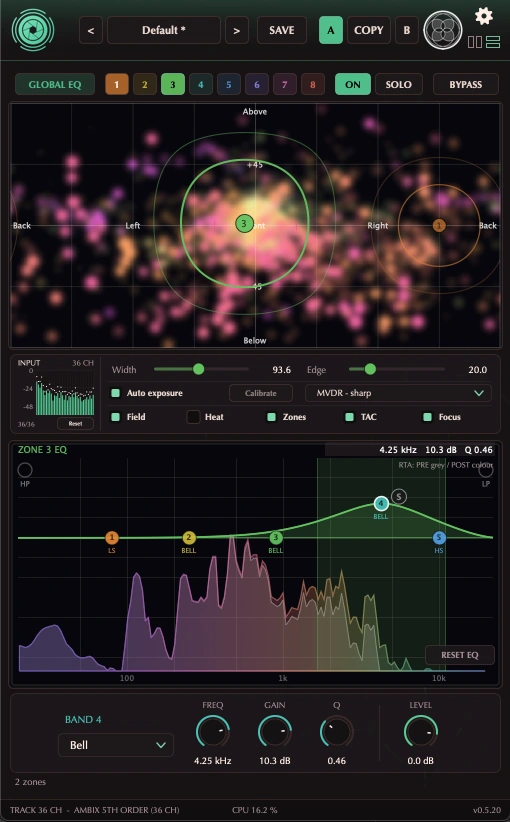
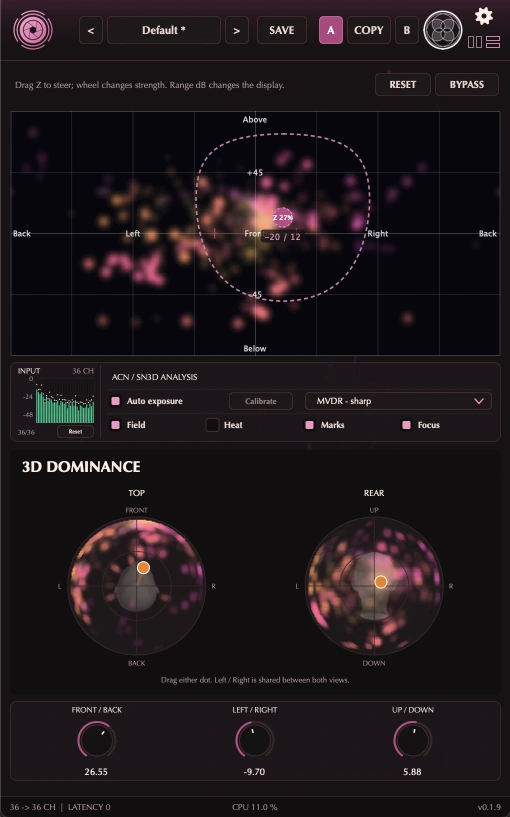
Use up to eight spectral masks to equalize different regions independently. Shape a selected direction and leave the surrounding field untreated, or give the rest its own EQ.
The complete Ambisonic suite
Rediscover Ambisonic magic.
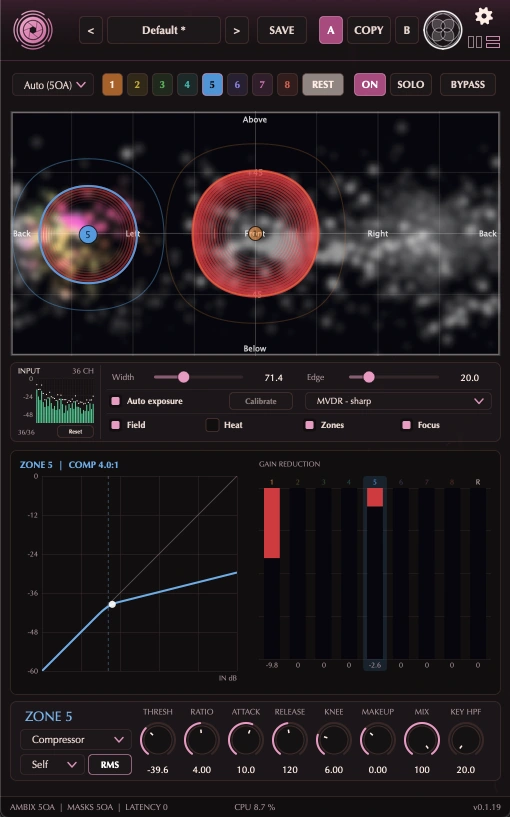
Open a mask around the part of the sound field you want to work on. Adjust its size, move it, listen to it in isolation and process that region. Keep the surrounding ambience, or treat it separately.
First to seventh order · AAX, VST3 & AU · macOS Universal
Launch offer: €149 until 15 November 2026 · Regular price €199
16 tools · One complete workflow · One licence
Why IRIS?
A camera iris opens or closes to control the opening that light passes through. In IRIS, an adjustable mask defines the region of the Ambisonic field you want to process.
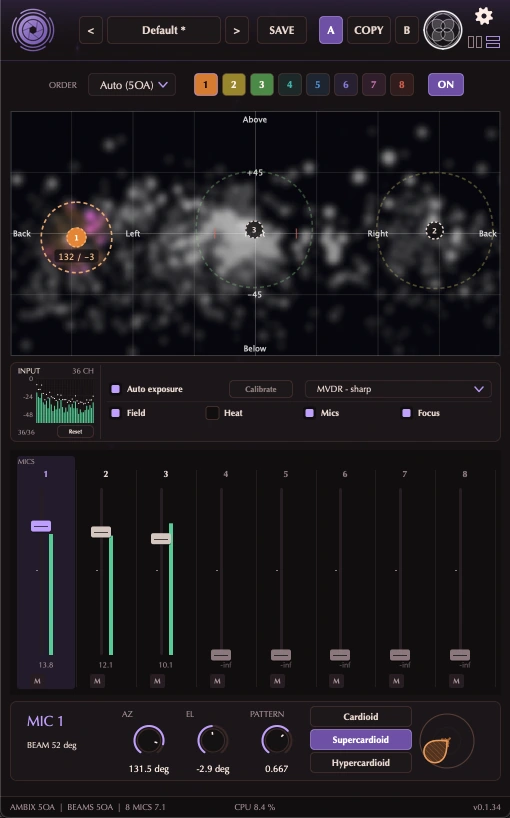
The spectral-mask processors support up to eight simultaneous masks, so different regions can receive different treatments. Virtual Mics gives you up to eight microphones with individual directions and polar patterns.
Position the mask around a region and adjust its width.
Audition the selected region before deciding what it needs.
Apply local EQ or dynamics, leaving the rest untreated or processing it separately.
From our studio
“I have spent years recording Ambisonic libraries for Surround Sound Lab, now up to fifth order, and using them in our studio projects. We sometimes discarded recordings because a local edit took too many tools and too much time. IRIS grew out of the need to make that work practical in Pro Tools.”
Álvaro de Iscar · Kaizen Audio
An audio demonstration of the IRIS workflow is coming soon.
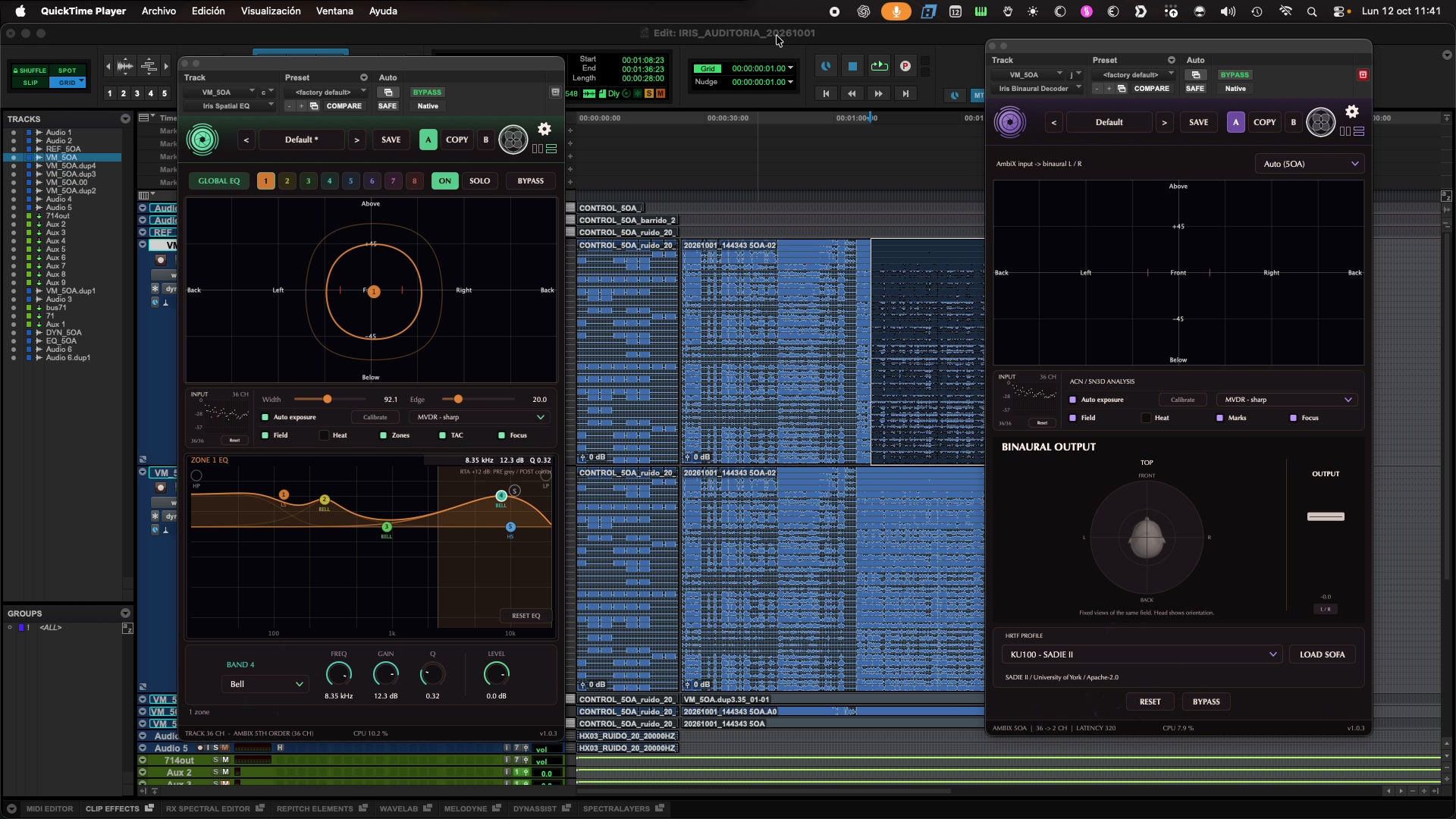
One suite for the whole workflow in Pro Tools, with AAX tools for every stage. Also available as VST3 and AU for compatible hosts.
Choose the region you need to change, listen to it and apply the treatment that fits the recording.
Use up to eight spectral masks to equalize different regions independently. Shape a selected direction and leave the surrounding field untreated, or give the rest its own EQ.
Compress or expand selected regions with up to eight spectral masks. Control local dynamics and the surrounding ambience separately.
Aim up to eight virtual microphones in different directions, with individual polar patterns. Extract the perspectives you need from the same recording.
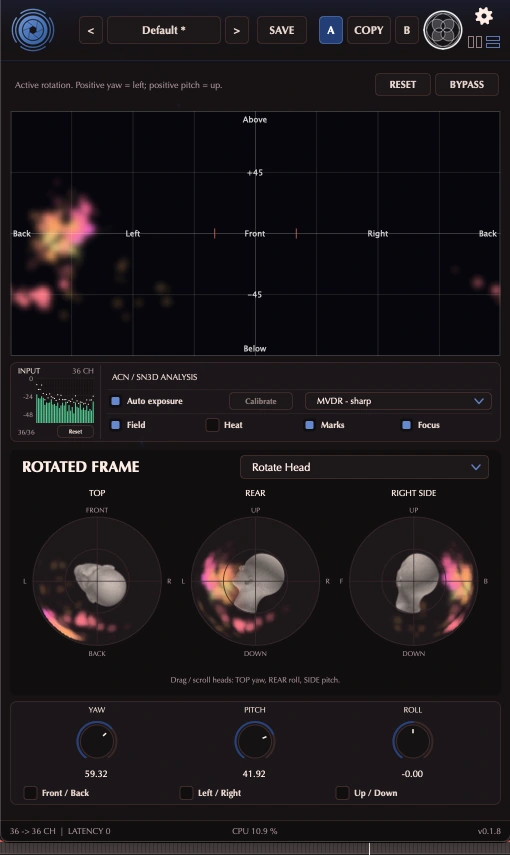
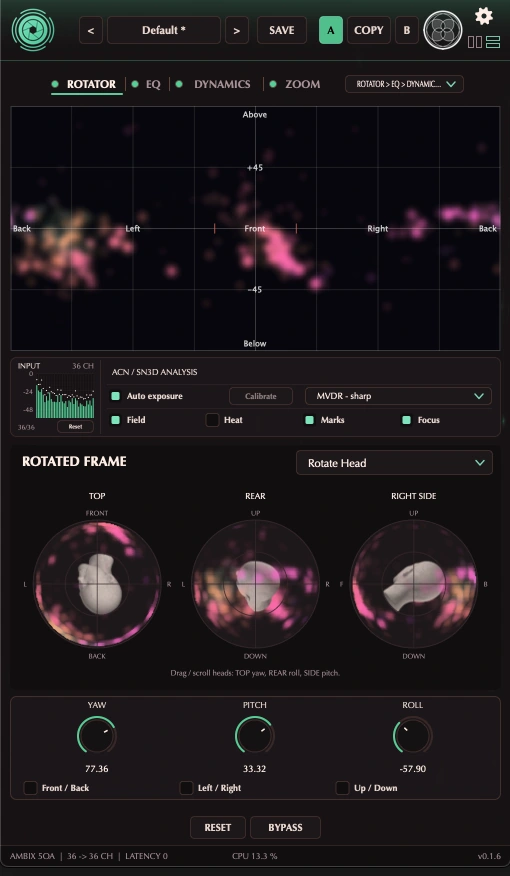
Reorient the whole sound field with yaw, pitch and roll, or mirror its axes to match the scene.
Bring a selected region forward or push it back within the sound field.
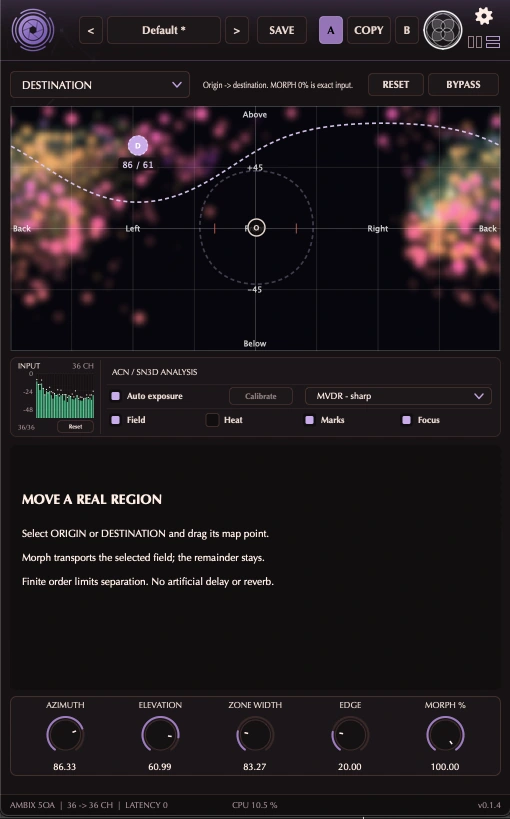
Move a selected region from one direction to another within the same Ambisonic scene.
Combine rotation, EQ, dynamics and zoom in one plugin, with a configurable processing order.
Keep working in Ambisonics until you are ready to hear the result through speakers or headphones.
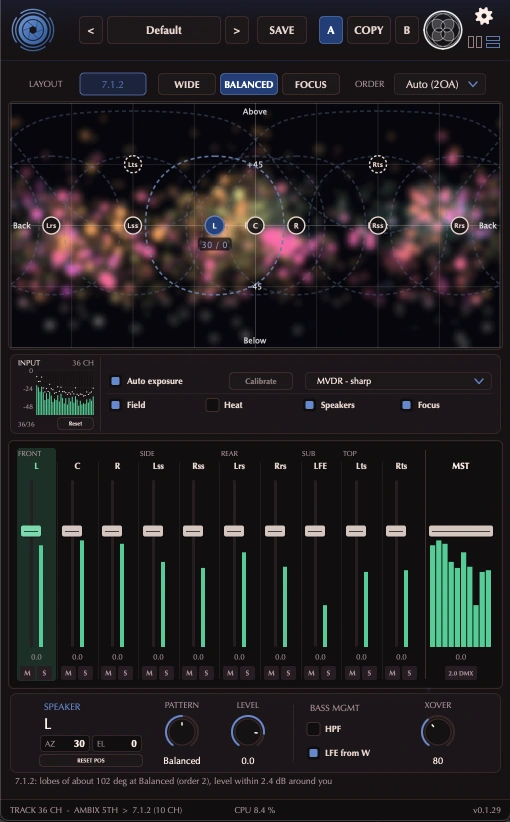
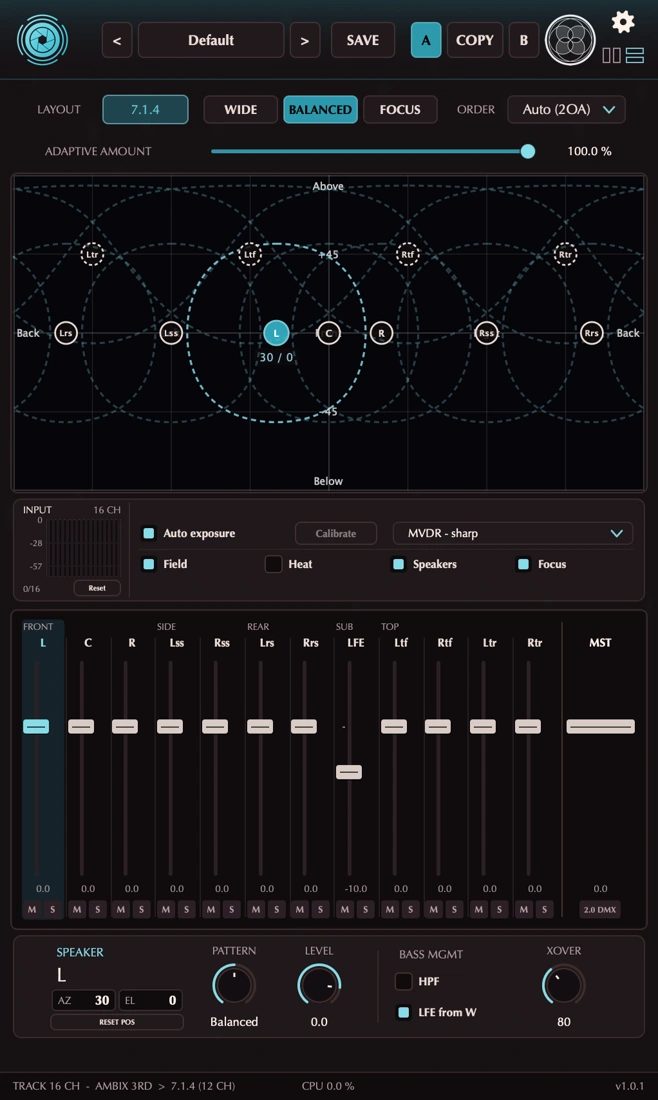
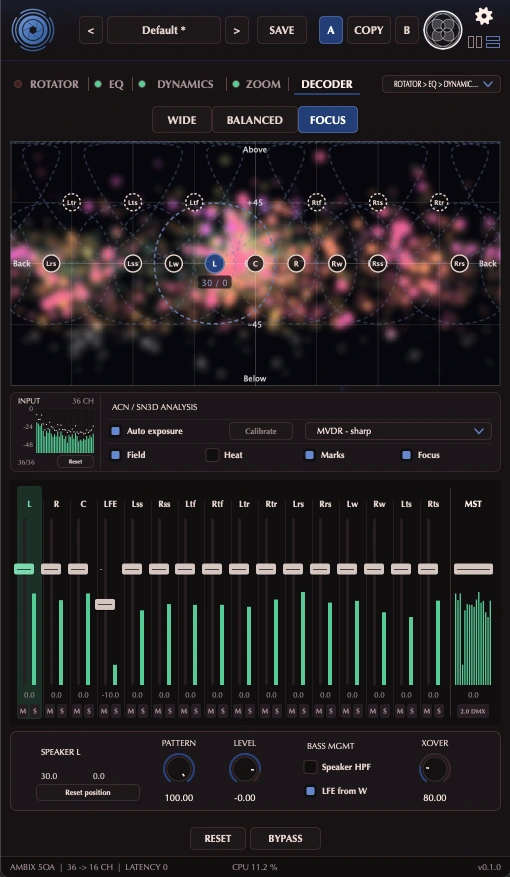
Decode the recording to stereo or multichannel speaker feeds with classic decoding and control over the speaker configuration.
Use adaptive decoding to turn the sound field into speaker feeds, with an adjustable adaptive amount.
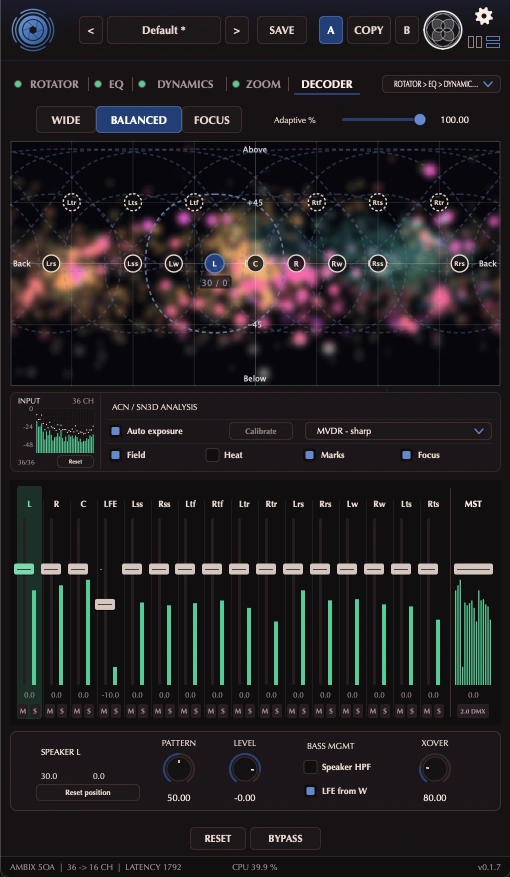
Combine sound-field processing and classic speaker decoding in a single plugin.
Shape the field and use adaptive speaker decoding without building a separate processing chain.
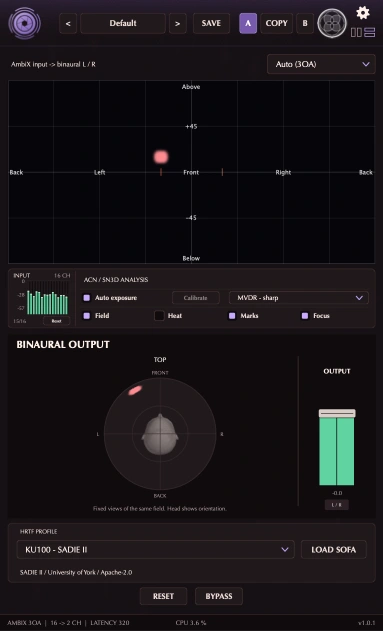
Listen through headphones using KU100, KEMAR, Human H3 or Human H4 profiles from SADIE II. Import a compatible SOFA file for a custom HRTF.
The basics that support the workflow: encoding, format conversion, signal checks and sound-field analysis.
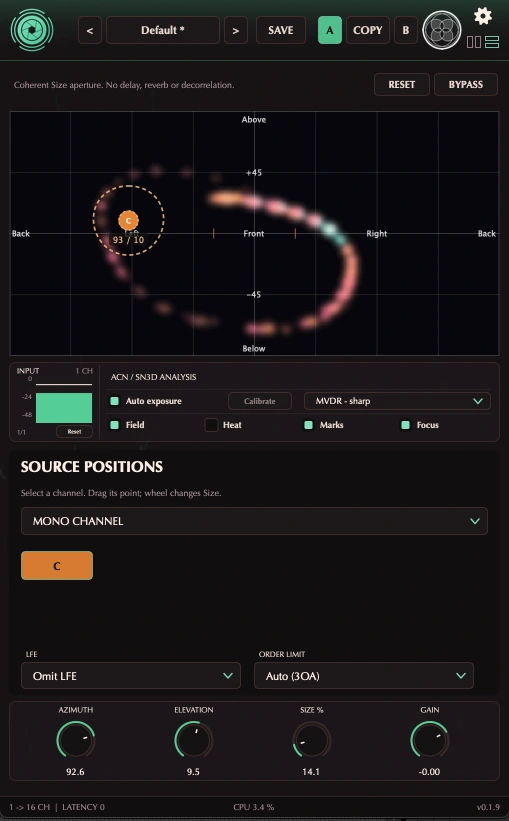
Place mono, stereo and surround sources into an Ambisonic scene before processing or decoding.
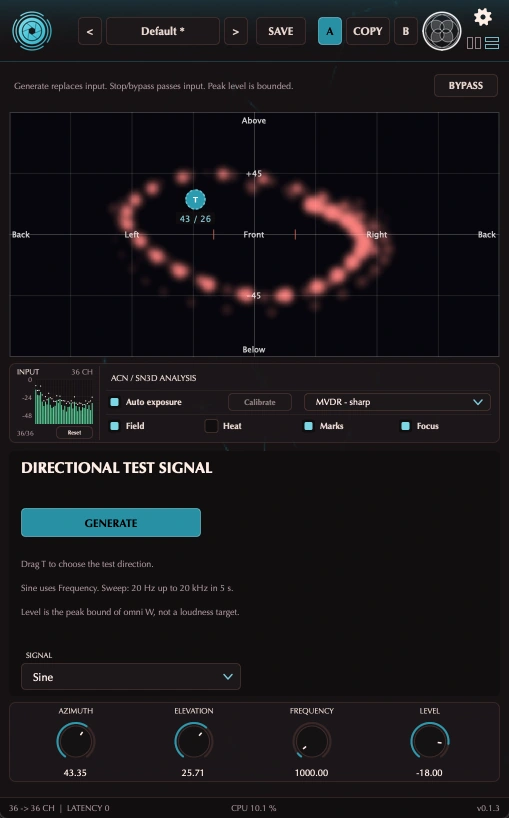
Generate Ambisonic test signals to check routing and the signal path.
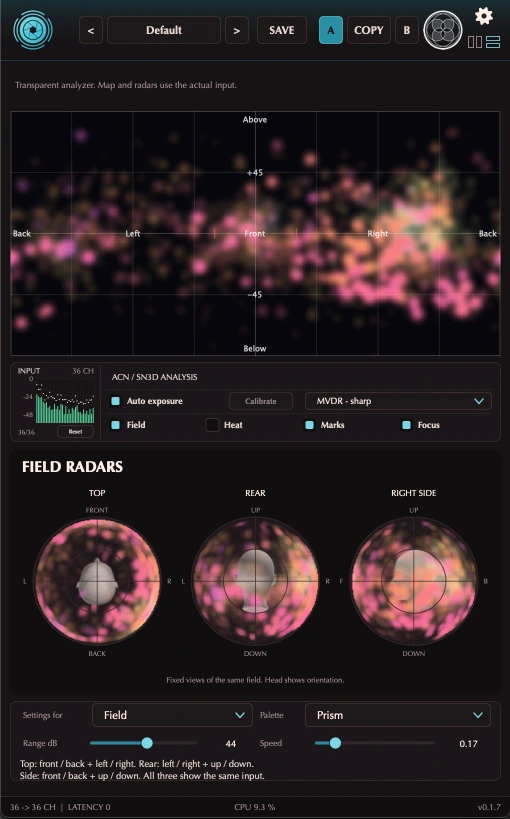
Inspect the spatial distribution, input levels and spectrum of the recording before deciding where to work.
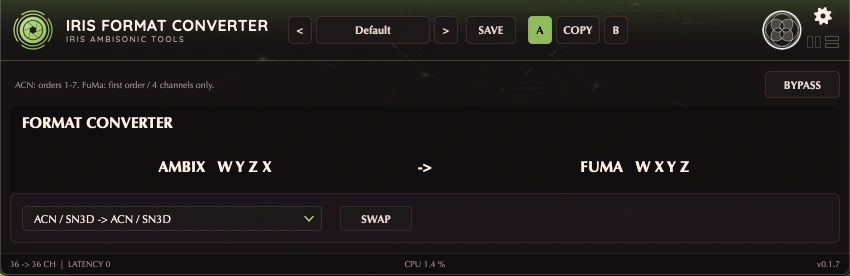
Convert channel ordering and normalization, and adapt the Ambisonic order to the session.
Headphones or speakers
Choose classic or adaptive speaker decoding for stereo and multichannel work. For binaural listening, use the dedicated Binaural Decoder with four included SADIE II HRTF profiles or a compatible custom SOFA file.
Surround Sound Lab
With Multichannel REC and IRIS, we have closed the circle of Ambisonic capture, editing and mixing. We developed this workflow around our own field recordings and studio sessions — the same work that goes into the Surround Sound Lab libraries.
Capture with Multichannel REC, edit and decode with IRIS, and work with the recordings in Surround Sound Lab. Tools and libraries built together, from recording on location to mixing in the studio.
SSL Complete Collection includes the full IRIS suite at no extra cost. The bundle is added to your Kaizen account.
Included with new purchases, and with purchases made on or after 14 May 2026, including discounted purchases.
Explore SSL Complete Collection →Try it free for 15 days. Buy when you're ready.
Includes 2 licence seats — move them between machines, online or offline.
Launch offer: €149 until 15 November 2026. Regular price: €199.
Feedback? hello@kaizen.audio
You already have access
Thirty chapters covering installation, licensing, Pro Tools routing, masks, every tool, speaker decoding and binaural listening.
Read the manualThe complete English user manual covers all 16 tools and Virtual Mics Aux, with 30 chapters on setup, processing, routing and decoding.Read the manual →
The complete IRIS suite: 16 tools for encoding, format conversion, analysis, spatial processing, virtual microphones, speaker decoding and binaural decoding. The plugins are sold together, under one licence.
Yes — a free 15-day trial of the suite. Use the Try free button to open the Moonbase download and trial panel.
No. Everything is licensed and activated through your Kaizen Audio account.
Your licence includes 2 seats, so you can run IRIS on two machines at once.
Updates within IRIS version 1 are included, whether you buy IRIS separately or receive it with SSL Complete Collection.
AAX, VST3 and Audio Units on macOS 12 or later, Universal for Apple Silicon and Intel. Ambisonic support runs from first to seventh order, subject to the channel and routing capabilities of your DAW.
IRIS grew out of our post-production work in Pro Tools, where we needed an AAX workflow from preparation through processing to decoding. The suite also supports compatible VST3 and AU hosts.
A mask selects a region of the sound field, rather than identifying a particular object. Its selectivity depends on the recording, Ambisonic order and overlap with other sounds. Listen to the selected region before processing it.
Four SADIE II profiles from the University of York: KU100, KEMAR, Human H3 and Human H4. Compatible custom SOFA files can also be imported.
The launch price is €149 until 15 November 2026. The regular price is €199 for the complete suite.
Yes. New purchases of SSL Complete Collection include the complete IRIS bundle in your Kaizen account at no extra cost. Purchases made on or after 14 May 2026 are also eligible, including discounted purchases. The included licence has the same 2 seats and version 1 updates as a separate purchase.
Designed by sound engineers, for sound engineers.